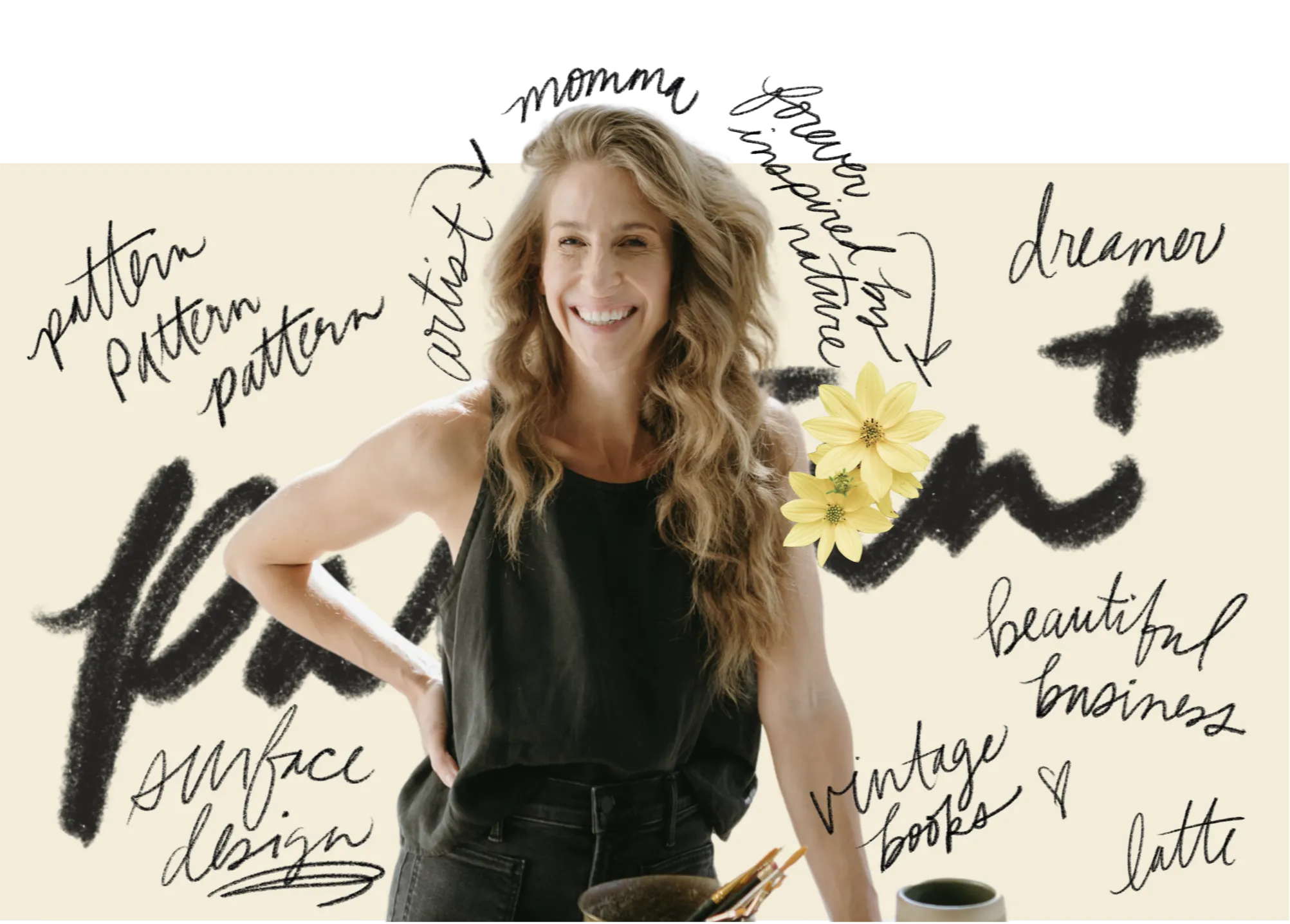
Pattern Pals: Turning Childhood Artwork Into a Keepsake with Adobe Illustrator
Nov 09, 2026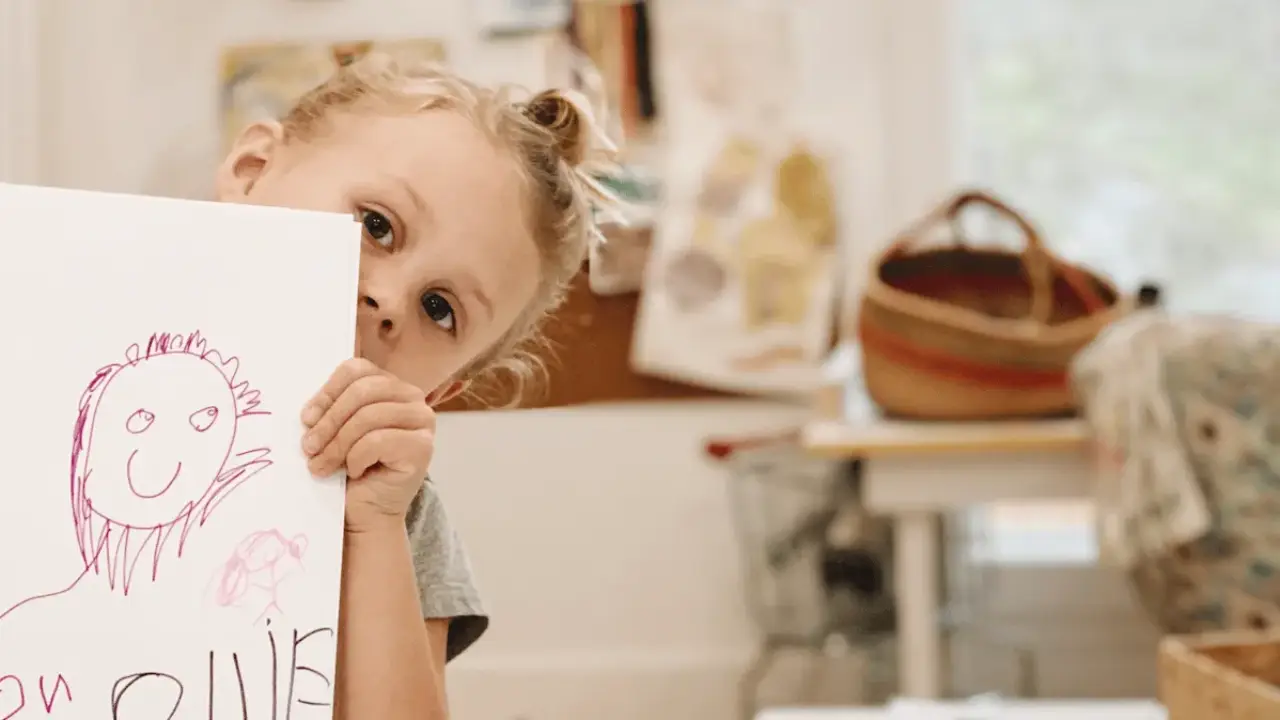
There is something so special about watching a child realize their artwork can become something they use every day. While the refrigerator is a lovely gallery, it doesn’t have to be the last stop!
Years ago, when my daughter Ollie was in kindergarten, I gathered drawings from the children in her class and turned them into little notebooks using Adobe Illustrator. Each child got to hold a notebook featuring their very own artwork.
Their reactions have stayed with me ever since. 🥹
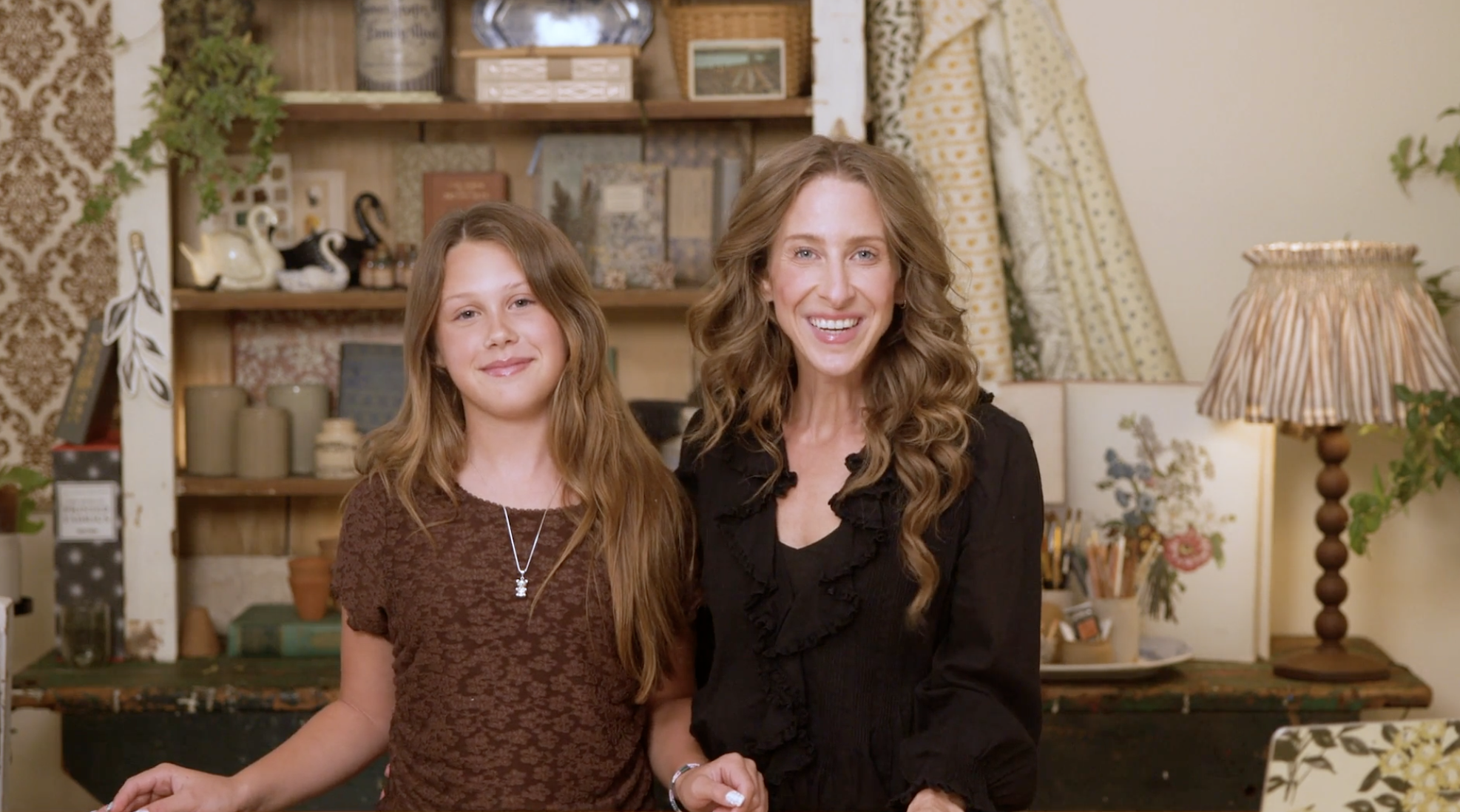
Ollie is 11 now, which feels nearly impossible to type. 🥹
Recently, we decided to revisit that kindergarten project, only this time with a lunchbox. (Flowers on the outside. Probably a forgotten banana on the inside.) And now, my favorite little pattern pal would help me bring the whole thing to life.
I’ve always loved nurturing creativity in my children, but there is something especially meaningful about getting to create with them. I’ve written before about how investing in Ollie’s creativity has a funny way of renewing my own. This project was another sweet reminder.
So for this project, I handed over the paintbrush.
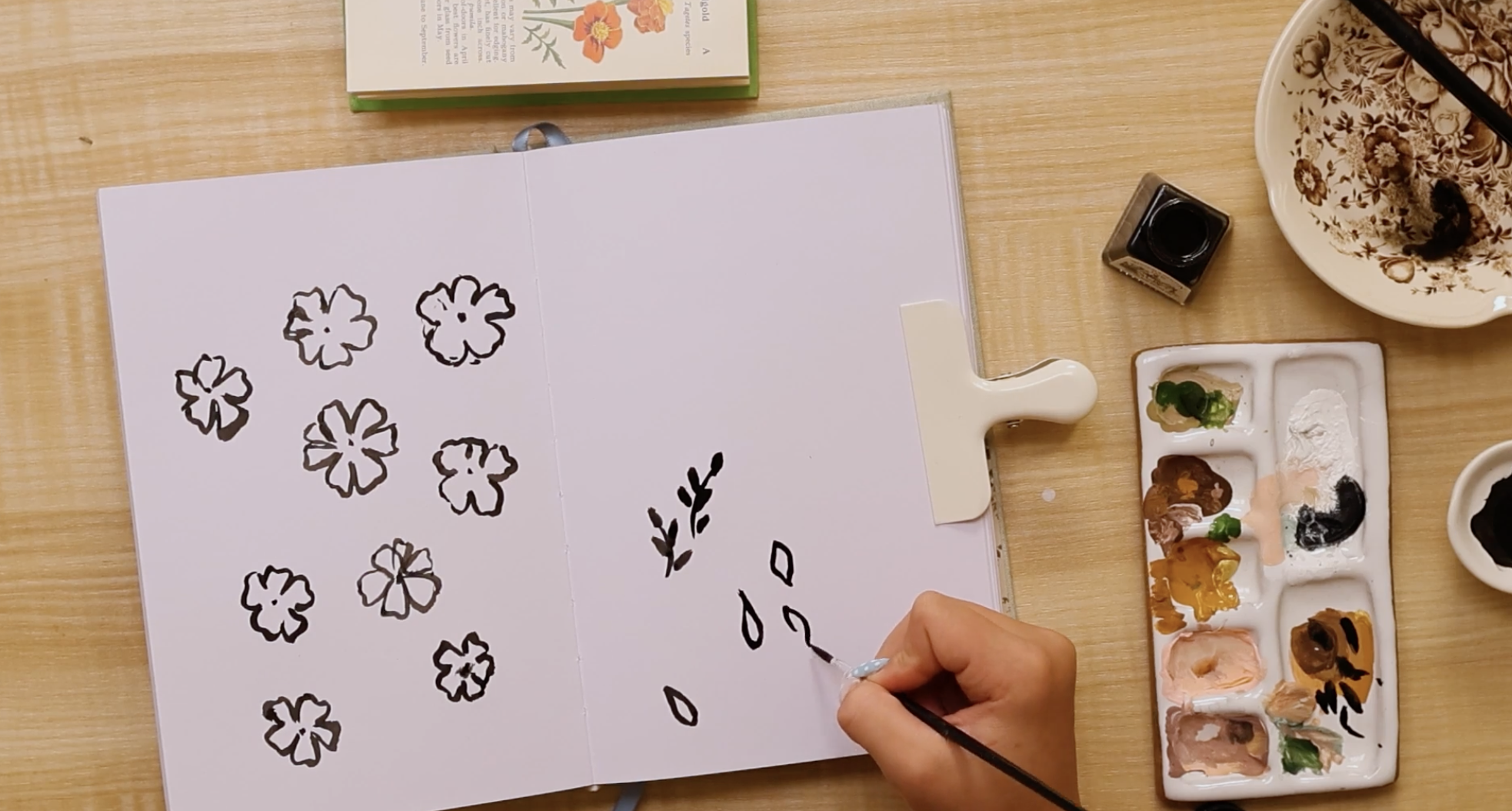
We pulled out a vintage book of garden flowers for inspiration, gathered some paper and ink, and let Ollie decide what she wanted to paint. She chose flower shapes she could interpret in her own way, then painted a collection of petals and leaves.
We chose black ink with our next step in mind: bringing her paintings into Adobe Illustrator. The contrast between dark ink and light paper makes the artwork easier to trace digitally.
For now, she could just enjoy painting. The flowers didn’t need to be perfect, I wanted them to look like hers, with all the little quirks that make them unmistakably Ollie.
That’s one of my favorite things about surface pattern design. You can begin with such simple materials, a brush, a little ink, a piece of paper, and have no idea just how far they’ll take you.
From Paintbrush to Pattern in Adobe Illustrator
With a little collection of painted flowers and leaves in front of us, it was time to show Ollie how we could turn them into a pattern.
We brought her paintings into Adobe Illustrator and used Image Trace to turn them into vector artwork. If that term is new to you, it means we could edit and resize her flowers without losing quality. Once we expanded the traced artwork into editable shapes, each flower and leaf became a separate piece we could work with.
Her brushstrokes were still there, with all their little quirks. Now we could move them around, change their colors, and see how they might fit together.
This is one of the reasons I’ve loved Illustrator for so many years. A painting or a page of sketches can be the beginning of so many different designs. Getting to show Ollie what was possible with her own flowers made this part especially sweet.
Building Our Pattern Together
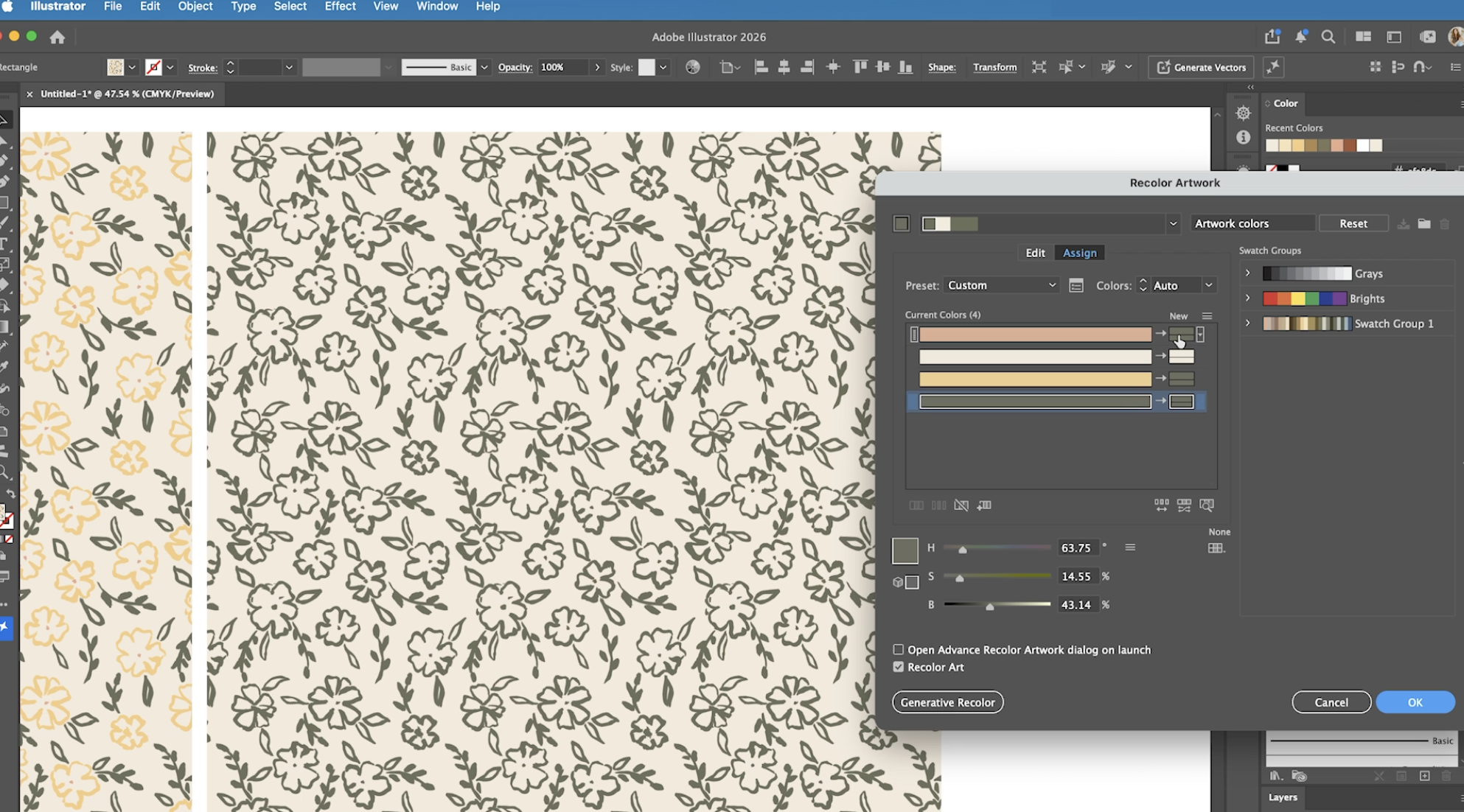
We started arranging her flowers and leaves, making some larger, tucking others into little gaps, and trying different colors.
There was plenty of “what if we tried this?” followed by “actually, let’s put that back.” A very familiar part of my design process.
Illustrator’s recoloring tools let us explore different palettes without changing the original drawings. We could try a new combination, see how it felt, and try another. Those simple black ink flowers started to take on a whole new personality.
Little by little, the pieces came together. We had a pattern made from Ollie’s paintings, ready for something she could carry with her everyday.
Next stop: let's order a lunchbox.
The Best Part? Seeing It in Her Hands.
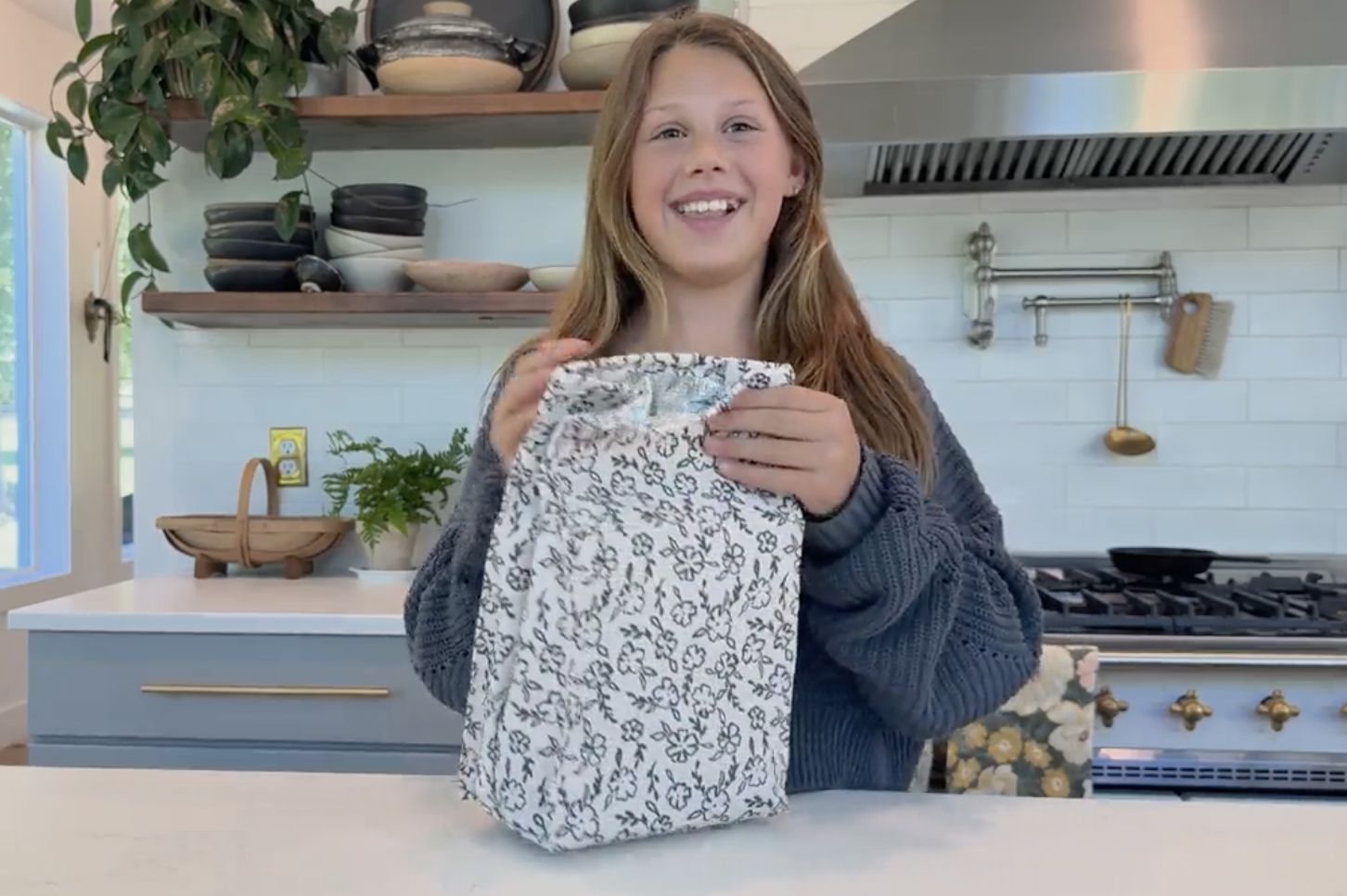
After all these years as a surface pattern designer, I still can't get over seeing a design leave my screen and arrive on something I can hold. Watching Ollie see her own flowers on a lunchbox she gets to carry to school made this one especially sweet.
It brought me right back to those kindergarten notebooks. Back then, I was turning her drawings into something she could keep. This time, we got to make it together, from the first brushstrokes to the finished pattern.
If you have a little artist in your life, consider this your invitation to sit down beside them and see what you can make. Pull out the paints or dig through that overflowing folder of drawings. (You knew you were saving those for a reason.) Let them choose something they love, and imagine where it could go.
Adobe Illustrator helped us turn a few painted flowers into something Ollie could use every day. And along the way, we got to share ideas, try things, change our minds, and enjoy creating together.
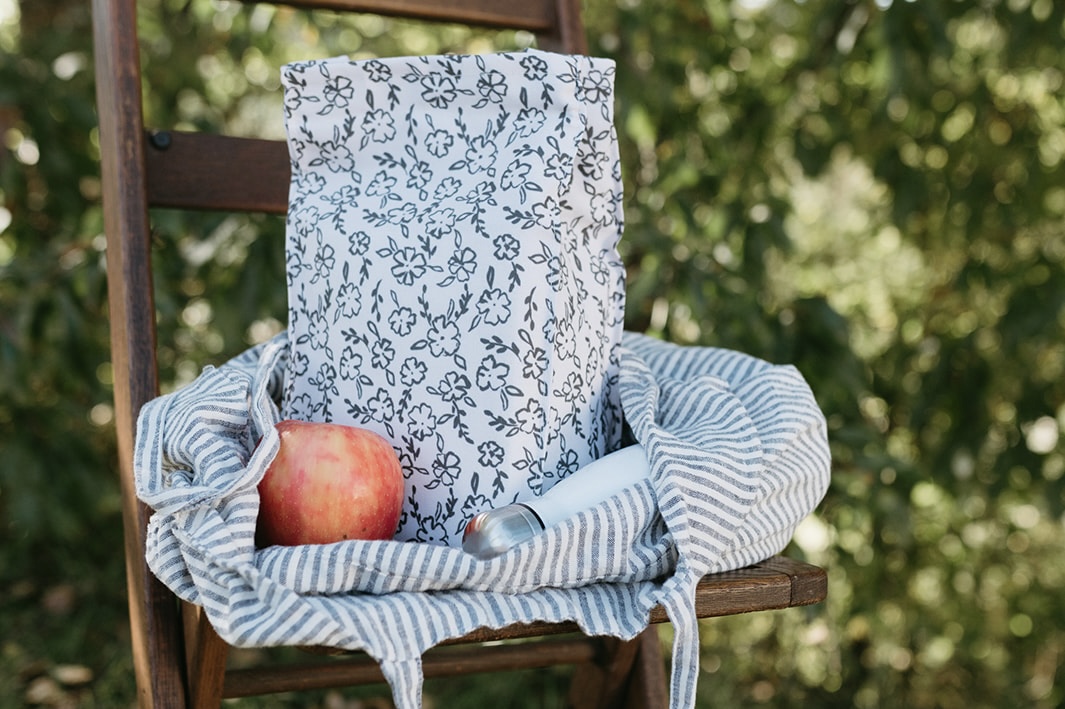
Ollie got a lunchbox covered in her own flowers. I got another memory of making something beside my girl. That’s a project I’d happily do again.
Happy creating, friends!
xo, Bonnie
P.S. Want to see how we did it? I filmed the whole process, from Ollie’s painted flowers to our finished pattern. 🎥 WATCH HERE
Watch here, and if you’d like to follow along, grab a few drawings and join us in Adobe Illustrator. 💛
P.P.S Do you want to create a pattern of your very own?!
Join me for Pattern Week (Nov 14 - 18) where I'll walk you step-by-step on how to make your very own pattern to put on holiday gift wrap! It is beginner-friendly and completely FREE to SIGN UP! 🎁
Get The Pattern Post in your inbox
The week’s news from the creative industry, with my spin on it, every Tuesday. Free, and yours to pause whenever you like.
We honor your email. We will never sell your information, for any reason.