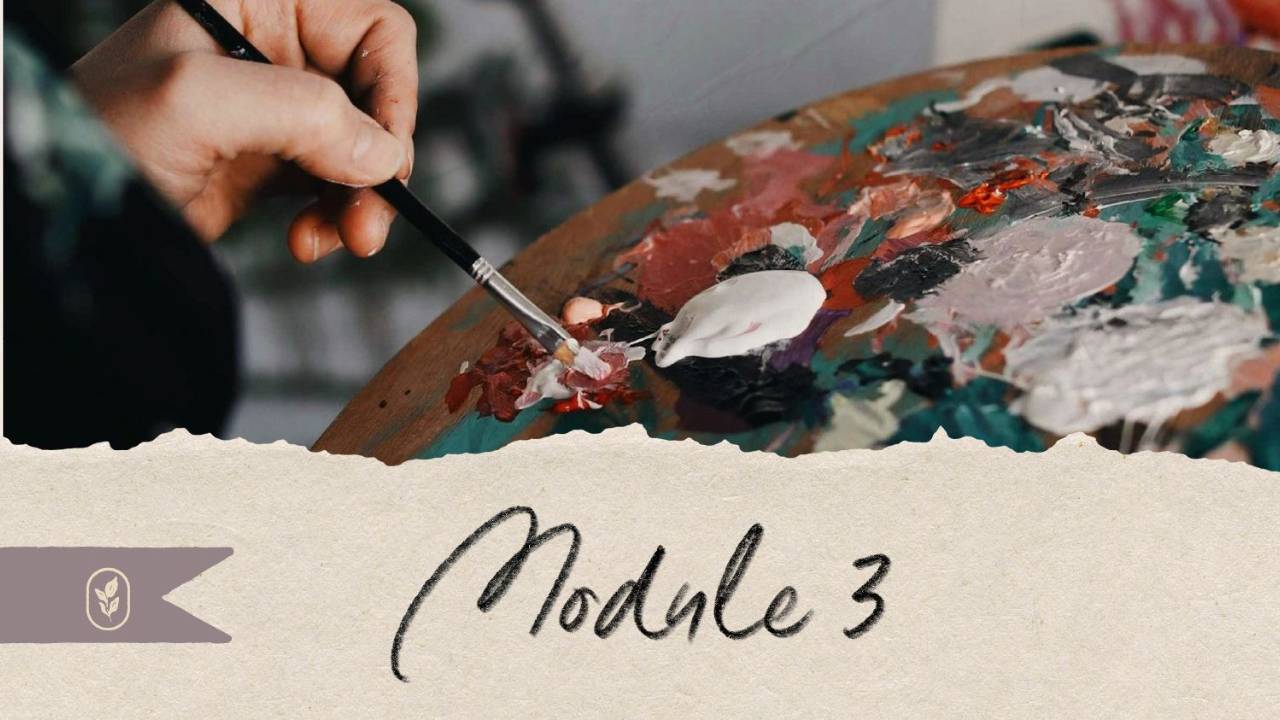
MODULE 3: CREATE
Film it, build it, make it beautiful. This is the biggest module in the course, because it answers the biggest fear: the filming, the tech, and "how do I make it look good from my kitchen table?"
By the end, your lessons are filmed and your course home is built.
Highlights of this Module:
- The Three Builds. Simple, Custom, or Studio. You pick your level and budget and every lesson meets you there.
- Your Studio at Every Budget. What to buy, what to skip, with prices and links and a step by step guide to setting up.
- Awkward Is Part of Becoming Excellent. My most embarrassing videos, and why they were the best thing that ever happened to my business.
- The Six Ways to Record. Find the one that fits your craft and comfort level.
- B-Roll Covers a Million Sins! The shot list that makes a home video look professional.
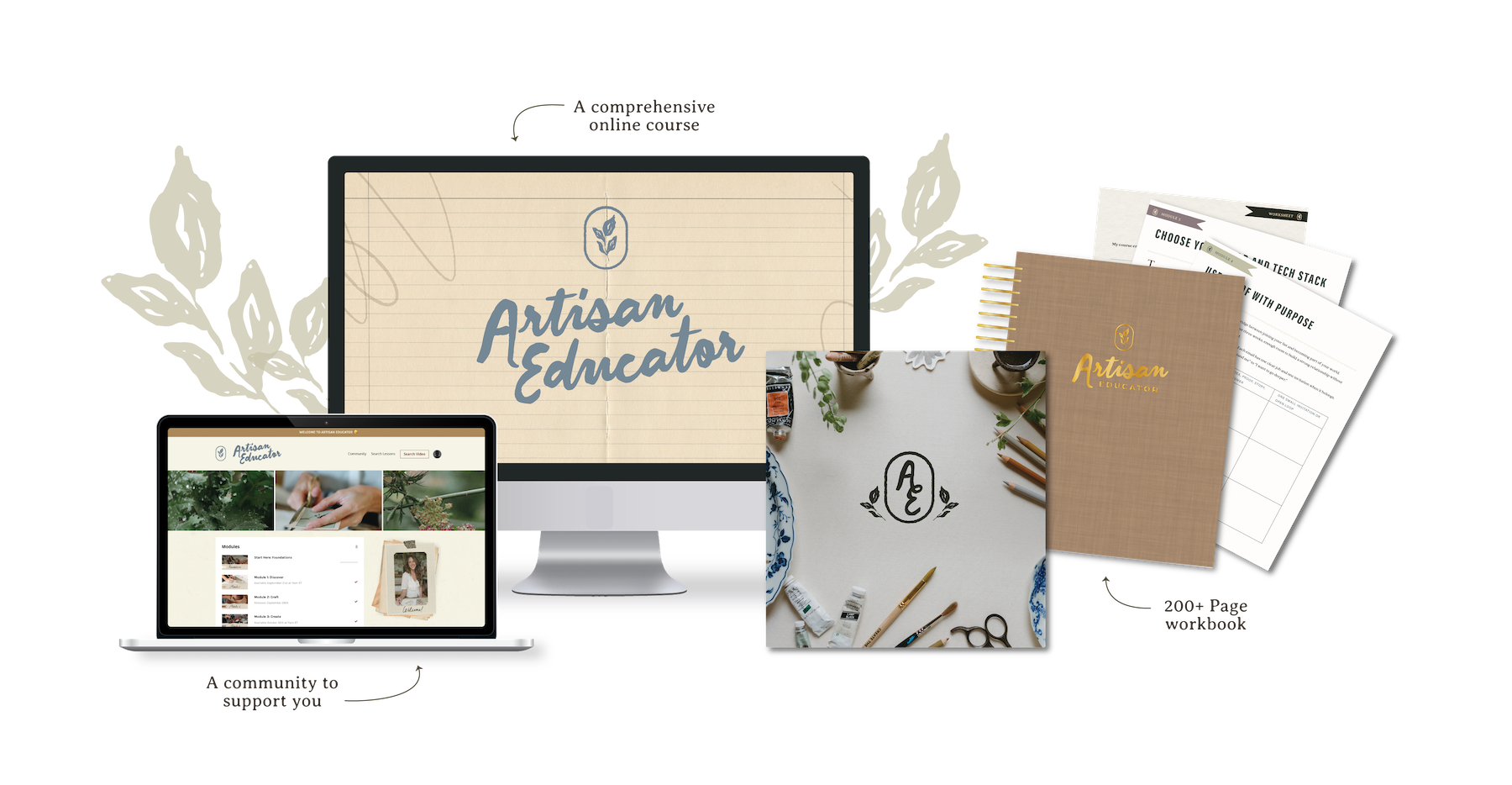
- Workbooks Students Keep Forever. How we design ours with all of our resources, and the small surprises that make students finish.
- The Course Home. Built so a brand-new student always knows what to do next.
Done-For-You Resources
- The Production Planner (with the B-Roll Planner and Resource Planner inside)
- The Recording Studio Guide
- The Gear Guide
- The Studio Setup Guides
- The Editor & Videographer Hiring Guide
- The Print-on-Demand Guide
- The Creative Assets Guide
Toolkit Lessons
- Set Up Your Simple Build in Kajabi
- Get Started with Kit
- Descript: Meet Descript, The Clean-Up Edit, Add Your Layers, Export Everything
- iMovie Quick-Start
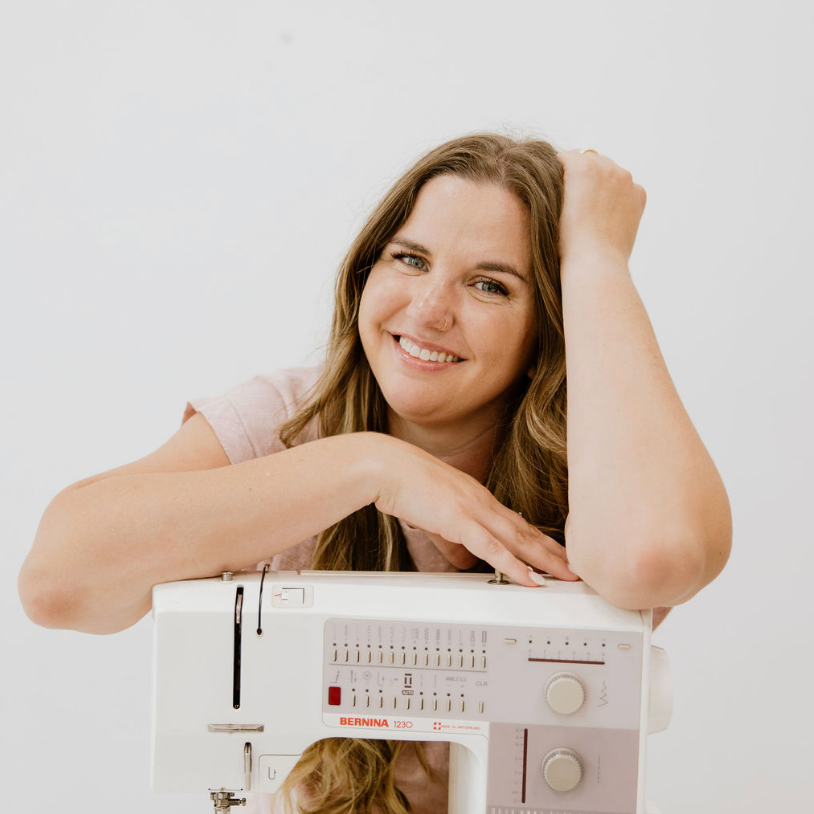
- CapCut with XayLi
- Build the Course Home
Bonus Modules
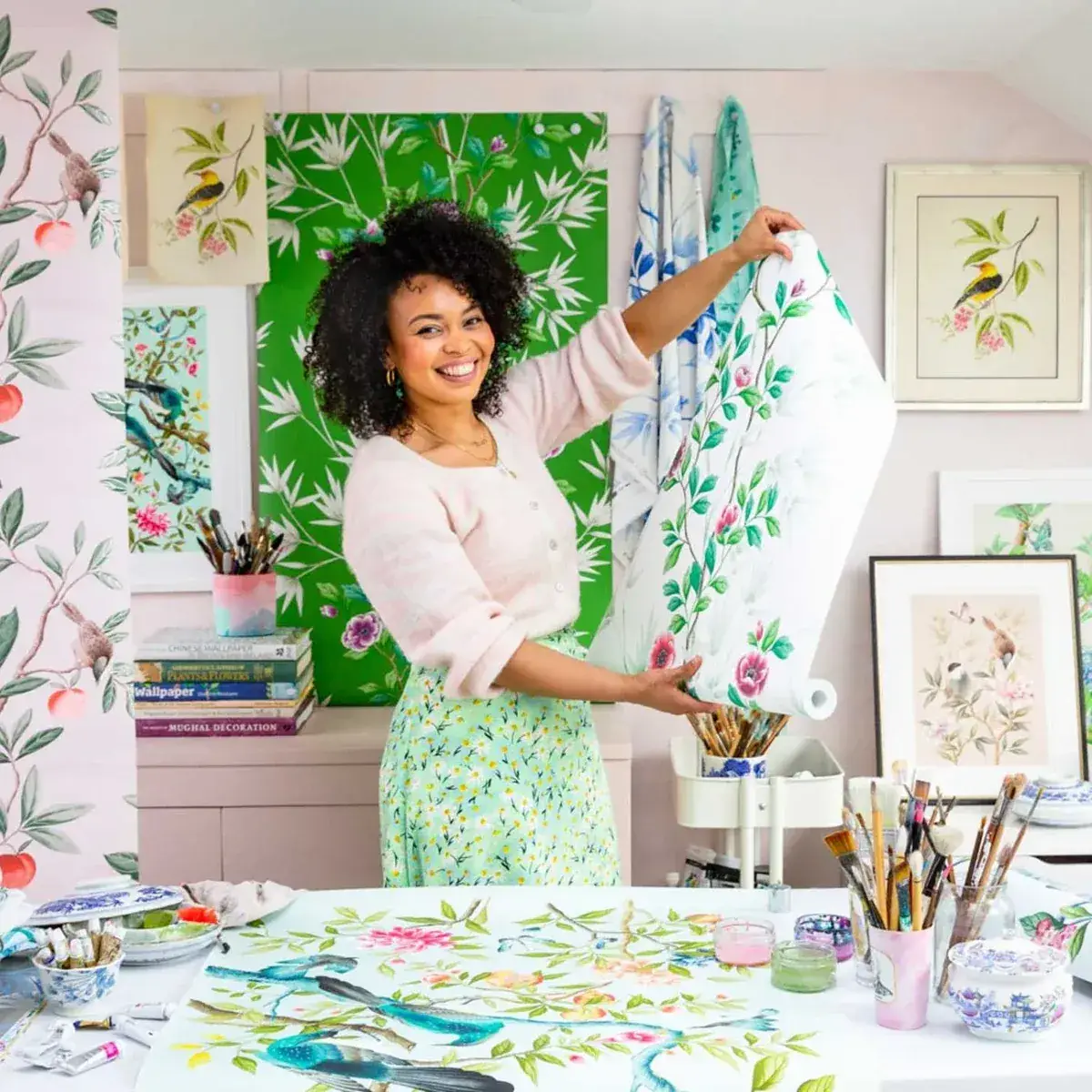
- Camera Confidence with XayLi Barclay
- Curating Your Brand in Canva with Kate Handling
You'll leave this module with your studio set up, your first lessons filmed, your trailer done, your workbook made, and your course home ready for students.
“This module helped me clarify why I want to teach my craft. It showed me how an artisan course can preserve valuable knowledge, guide students through a thoughtful experience, and allow that knowledge to reach farther than the physical work I can personally create.”
- Jennifer, beta student